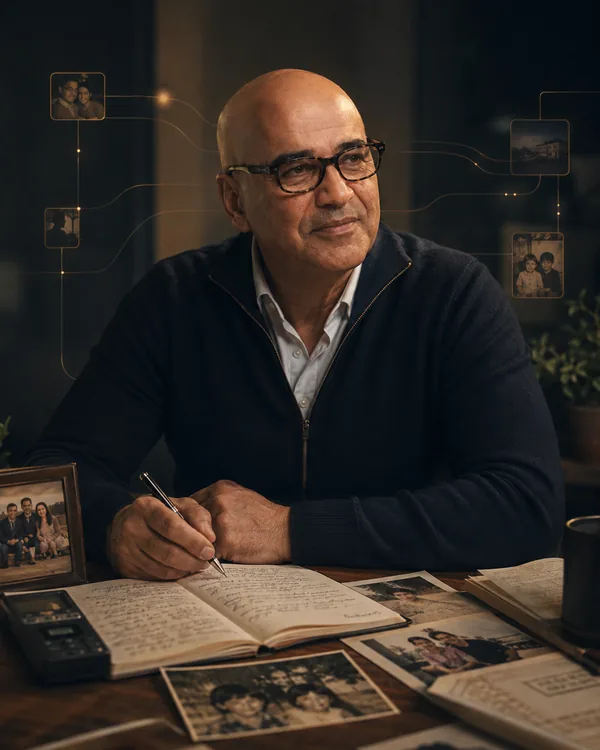
Many apps are made for young eyes and steady fingers: small grey writing, tiny buttons, and a keyboard for everything. Shaterian is made for older adults, and for the families who help them choose an app for an elderly parent. The writing is large, the buttons are big, and you can talk to it instead of typing.
In short
- Shaterian follows the text size you set on your iPhone, up to one and a half times the usual size. Smith's answers and questions, and what you type to him, are 18 points or larger at the usual size.
- The main buttons are 54 to 56 points tall, more than Apple's own 44-point minimum, so they are easier to hit with an unsteady hand.
- You can talk instead of type, and choose a light or a dark screen under Settings, Looks.
Large text that follows your iPhone
Shaterian uses the text size you have already chosen for your iPhone. If you make the writing bigger there, Shaterian's writing gets bigger too, up to one and a half times the usual size. Even at the usual size, Smith's answers, his questions and a memory you open are 18 points or larger.
- Open your iPhone's Settings app (not Shaterian's).
- Tap Display & Brightness, then Text Size.
- Drag the slider to the right until the writing is comfortable.
- Open Shaterian again. Its writing has followed.
Big buttons for unsteady hands
Small buttons are hard to hit when your hands shake. In Shaterian the main buttons are 54 to 56 points tall. The rows in Settings are tall, and you can tap anywhere on a row to open it.
There is less to read on each screen, too. Explanations and tap-here hints have been cut, so the things you need are larger and easier to find.
Talk instead of typing
A keyboard is often the hardest part of a phone. In Shaterian you can say what you want to keep. On Smith's screen, tap the microphone in the box and talk. There is no need to hold anything down: tap the microphone again when you have finished. Tell him something that happened, and he keeps it as a memory; ask him something, and he answers. A private voice diary explains it step by step.
Smith, the companion inside Shaterian, also says his replies aloud. The Speak replies aloud switch, under the box where you type on his screen, turns this off and on.

A light or a dark screen
Some people find white screens too bright, and others find dark ones hard to read. Shaterian offers both.
- Tap Settings, the last button at the bottom of the screen.
- Tap Looks.
- Under Appearance, tap Light or Dark.
Or simply ask Smith: “Switch to light mode” or “Switch to dark mode”. He changes it and tells you.
Fewer places to get lost
Along the bottom of the screen there are only three buttons: Smith, Memories and Settings. There is no account to create and no password to remember. Shaterian starts with no memories: the ones it keeps are the ones you tell it or bring in.
If you are choosing an app for a parent, you can set it up together. Shaterian for older adults says more, and For caregivers explains how a family member can help.
Questions people ask
Is there an easy iPhone app for seniors that keeps a diary?
Shaterian is one. You tap the microphone, talk, and tap it again when you have finished; what you told Smith is kept on your iPhone as text, in large writing you can read again.
How do I make the writing bigger in Shaterian?
Make it bigger in your iPhone's own Settings, under Display & Brightness, then Text Size. Shaterian follows it, up to one and a half times the usual size.
Can I use it if my hands shake?
The main buttons are 54 to 56 points tall, and you can talk instead of typing, with no need to hold a button down while you speak.
What does it cost?
Two weeks free, then $2.99 a month, through the App Store. It needs an iPhone with iOS 17 or later.